chrome://crash is the best home page
The home page button was included in the oldest web browsers and has been around since, yet it doesn't seem to be used much anymore. Setting the home button URL to chrome://crash/ (in Chromium-based browsers) is a useful trick to use it to easily unload pages when needed.
When the home button (configured to chrome://crash/) is clicked, the current tab crashes and the web page is unloaded, saving CPU and RAM. However, the URL of the page gets preserved! When the reload button is clicked, the original page gets loaded back.
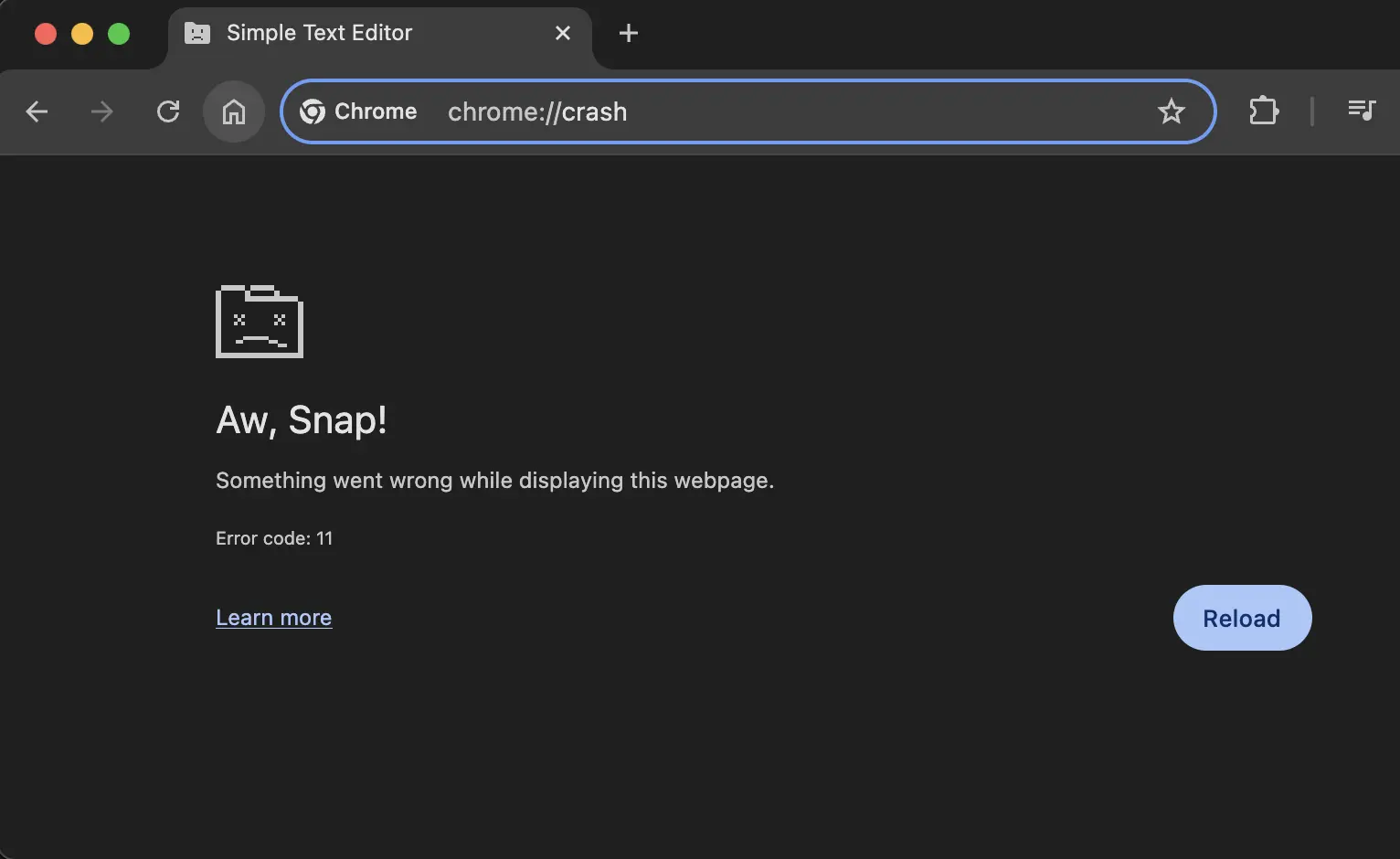
A Chrome tab that has crashed
The crash home button comes in handy if there's a tab that uses a lot of resources but I'm not using it at the moment. Completely closing the tab is not ideal, as I may come back to it soon and want it to stay in the tab strip to not forget about it.
Clicking the home button "closes" the page without closing the tab. If I want to bring the page back, there's several options. The easiest one is clicking the reload button. This works, but it will also completely reload the original page, meaning it will not preserve things like text in input fields. Instead, pressing Enter twice[1] in the URL bar will load the page, and clicking the back button will load the original page back along with text input values (thanks to bfcache). Closing the window or the browser and reopening it will also restore the page along with the content.
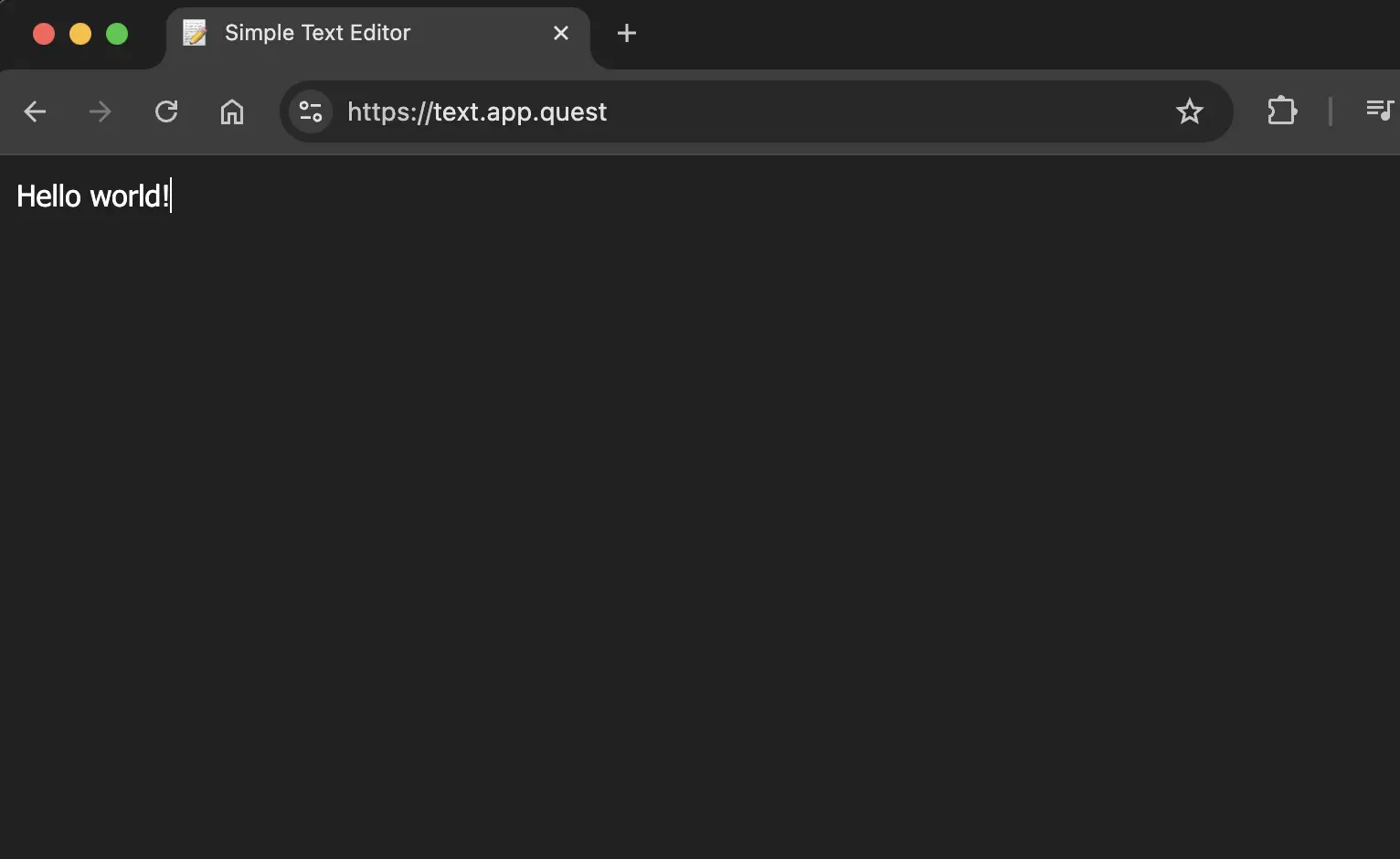
A Chrome tab that has been restored after a crash
Changing the home button URL
The Show home button is located in chrome://settings/appearance. However, if you try to change the URL to chrome://crash/, the field will show a validation error. The reason is that before the URL is saved, it is validated using extensions::ExtensionTabUtil::IsKillURL(url). [2]
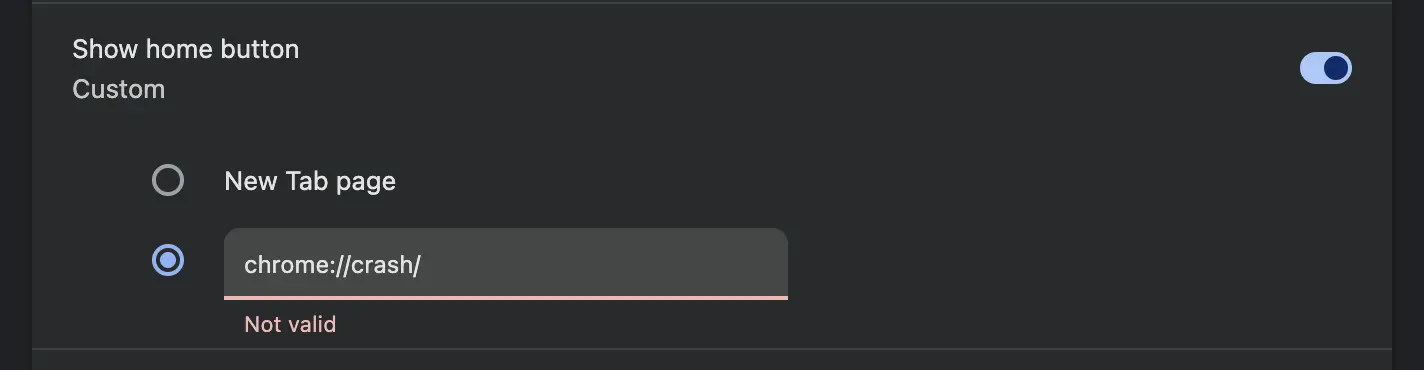
Chrome home page button URL settings showing a chrome:// crash URL as not valid
However, the validation is only done in JavaScript. This means we can set a breakpoint on validateStartupPage and change the url to any valid URL. This will bypass the validation and save chrome://crash as the home page.

DevTools breakpoint on validateStartupPage
Alternatively, you simply open chrome://crash/ directly in a tab, and then drag and drop the URL onto the home page button. This will update the home page URL without validation, and doesn't require using DevTools.
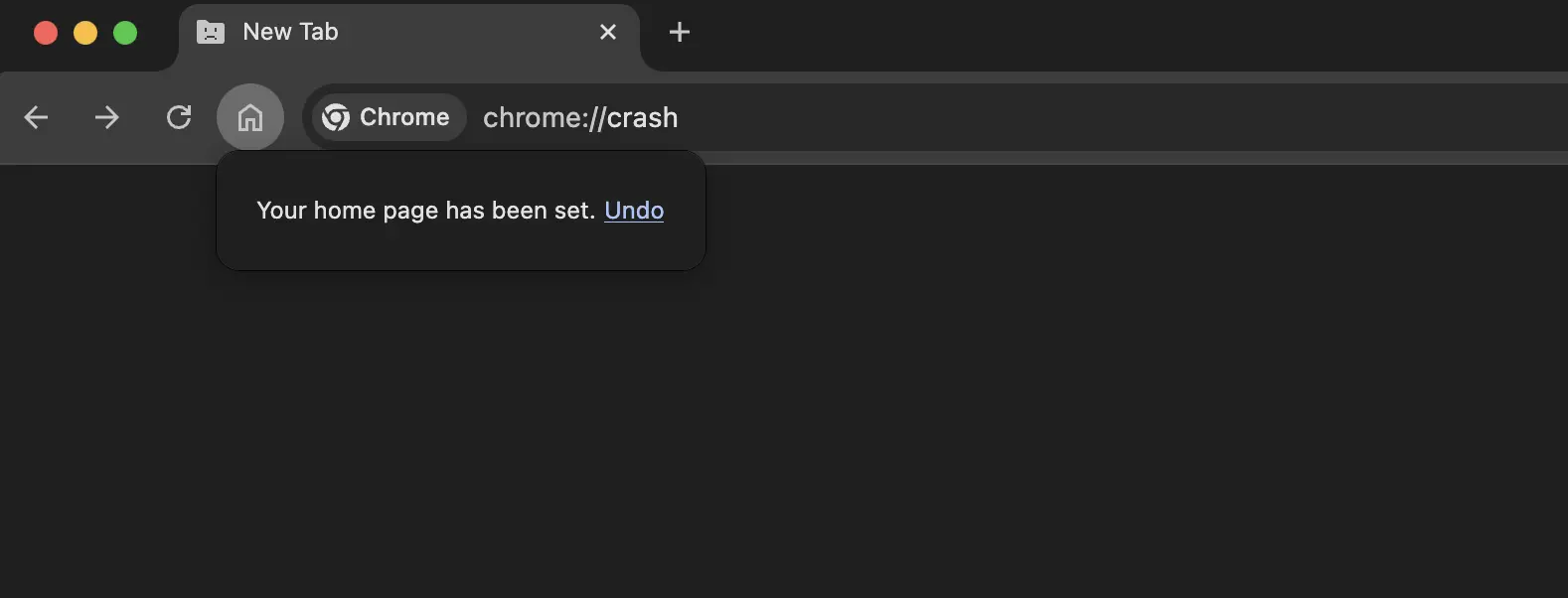
Drag and dropping a chrome://crash URL onto the home page button
On Android, chrome://crash/ can be set as the URL directly in settings without validation. However, the home page button takes quite a bit of space from the URL bar and may be tapped accidentaly, therefore it's better to save chrome://crash/ as a bookmark instead. This way, you can type the name of the bookmark, such as crash tab, into the URL bar and select it from the results. Just make sure not to mistake it with chrome://inducebrowsercrashforrealz.
You can also access bookmarklets this way on mobile devices!
For some reason, the first Enter only changes the URL from
chrome://crashto the original URL, and the second Enter actually loads the URL. ↩︎This is done in
settings_utils::FixupAndValidateStartupPage. ↩︎